SASSA Moya App Status Check Online
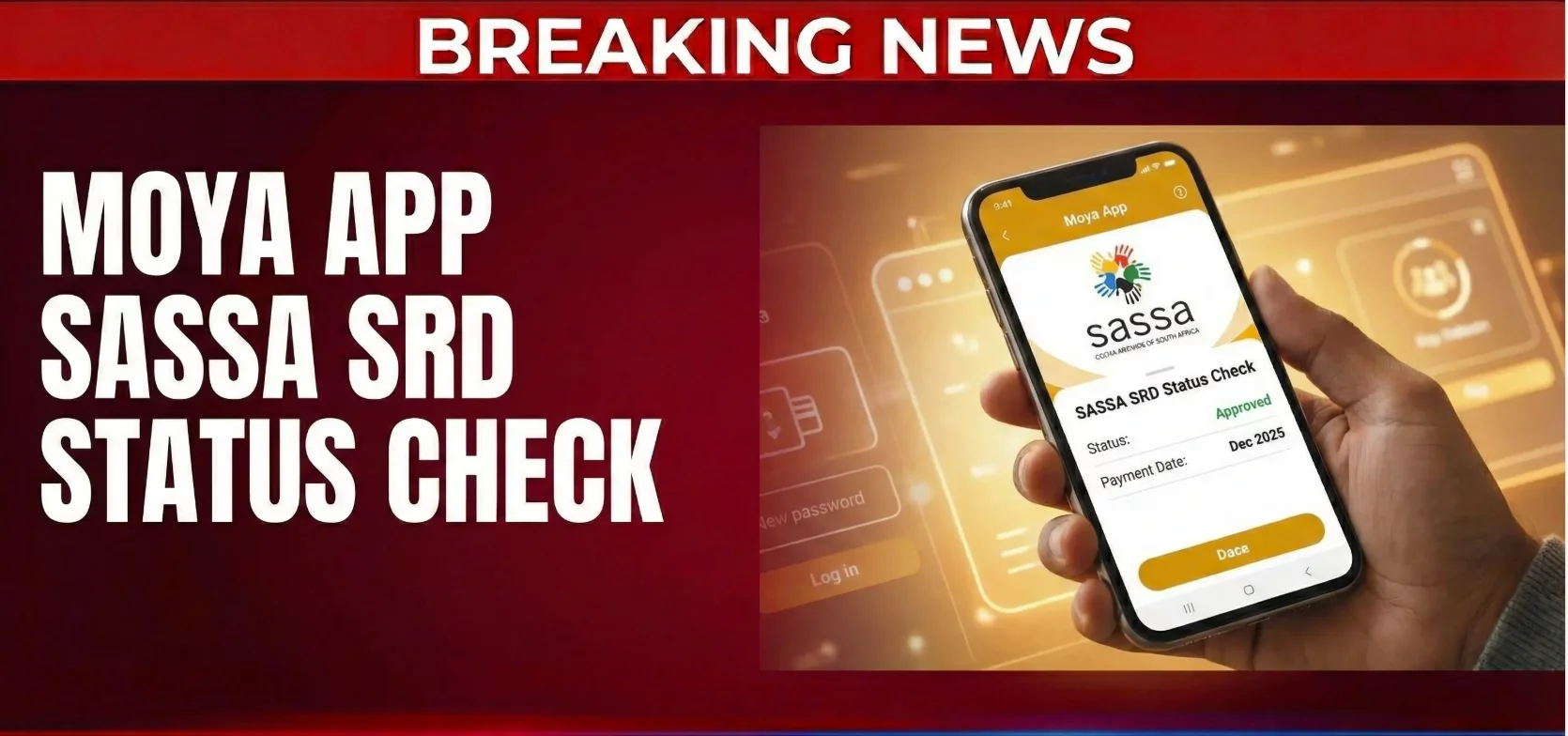
Running out of data is frustrating. Especially when you need to check your SASSA grant status. But what if you could check your status without using any data?
The Moya App makes this possible. This free app lets you check your SASSA SRD R370 grant status without internet connection. You don’t need Wi-Fi. You don’t need mobile data. You can check everything for free.
Thousands of South Africans use the Moya App every day. It saves money on data costs. It gives quick answers about grant applications. Let’s learn how you can use it too.
What is the Moya App?
The Moya App is a data-free mobile application. It was created by biNu, a company that builds mobile solutions for people in emerging markets.
The app works on zero-rated data. This means you can use certain features without consuming your mobile data bundle. The app partners with mobile networks and uses advertising to cover data costs.
You can do many things on Moya App. You can send messages. You can make voice calls. You can check load shedding schedules. And most importantly, you can manage your SASSA grants.
The app works on MTN, Vodacom, Telkom, and Cell C networks in South Africa. Some features work even when you have no airtime or data.
Why Use Moya App for SASSA Status Check?
Checking your SASSA status online usually requires data. This costs money. But the Moya App makes it easy and free.
Here’s why many people prefer this method:
No data charges: You can check your status without spending money on data. This is perfect when your budget is tight.
Quick access: The app shows your status in real-time. No waiting. No delays.
Simple to use: The interface is straightforward. Even if you’re not tech-savvy, you can navigate it.
Multiple services: Beyond status checks, you can also apply for grants and submit appeals through the app.
Always available: You can check your status anytime, anywhere, as long as you have your phone.

How to Download and Install Moya App
Getting the Moya App on your phone is simple. Here’s what you do:
For Android Users:
- Open Google Play Store on your phone
- Type “Moya App” in the search bar
- Find the official app (it should be the first result)
- Tap the “Install” button
- Wait for the download to complete
For iPhone Users:
- Open the Apple App Store
- Search for “Moya App”
- Tap “Get” to download
- Wait for installation to finish
The app is completely free. You don’t pay anything to download it. The only data you use is for the initial download.
Make sure your phone meets the requirements. Android users need version 5.0 or higher. iPhone users need iOS 11 or higher.
How to Check Your SASSA Status on Moya App
Once you have the app installed, checking your status is easy. Follow these steps:
Step 1: Open the Moya App by tapping its icon on your home screen.
Step 2: Look for the “Discover” or “Discovery” icon on the main menu. Tap on it.
Step 3: Scroll through the options until you find “SASSA” or “SRD”. Tap on this option.
Step 4: Select “SASSA Status Check” or “Application Status” from the menu.
Step 5: You will see two fields to fill in:
- Your South African ID number (13 digits)
- Your mobile phone number (the number you used when applying)
Step 6: Make sure both details are correct. These must match the information you provided in your original application.
Step 7: Tap the “Check Status” button.
Step 8: Wait a few seconds. The app will display your current grant status.
Remember, this entire process uses zero data. You won’t see any deductions from your data bundle.
Understanding Your SASSA Status Results
After checking, you’ll see one of several status messages. Here’s what each means:
Approved: Great news! Your application was accepted. You will receive the R370 grant. The payment date should also be shown.
Pending: Your application is still being reviewed. SASSA is checking your information. Wait a few days and check again.
Declined/Not Approved: Your application was rejected. This could be due to incorrect information, income too high, or not meeting requirements. You can appeal this decision.
Failed: There was an error with your application submission. You may need to resubmit with correct information.
If your status is approved, the app will also show your payment date. This tells you when to expect the money.
How to Check Your SASSA Balance on Moya App
Beyond status checks, you can also check your grant balance. Here’s how:
- Open the Moya App
- Tap on the “SRD” icon from the home screen
- Click on “SASSA Grant Balance”
- Enter your grant application ID
- View your current balance
This feature helps you track how much money is available in your grant.
How to Apply for SASSA Grant Through Moya App
The Moya App isn’t just for checking status. You can also apply for the SRD grant. Here’s the process:
Step 1: Launch the Moya App on your phone.
Step 2: Go to the “Discover” section.
Step 3: Select the “SRD” option from the menu.
Step 4: You will be redirected to a secure webpage. This page has end-to-end encryption to protect your information.
Step 5: Fill out the application form with these details:
- Full name and surname
- Date of birth
- South African ID number
- Current address
- Employment status
- Bank account details
- Mobile phone number
- Permit number (if applicable)
Step 6: Review all information carefully. Make sure everything is correct.
Step 7: Tap the “Submit” button.
Your application will be processed by SASSA. You can check the status using the same app.
How to Appeal a Rejected Application
If your application was declined, don’t lose hope. You can appeal the decision. The Moya App makes this simple:
- Open the Moya App
- Navigate to the “SASSA” section
- Look for “SASSA Decision Appeal” or similar option
- Follow the prompts to submit your appeal
- Provide any additional documents if requested
After submitting your appeal, an independent tribunal will review it. This process takes 60 to 90 days. You can check your appeal status through the app or by calling SASSA.
Important Tips for Using Moya App
Here are some helpful tips to get the best experience:
Keep your information updated: If you change your phone number or bank details, update SASSA immediately. Otherwise, you might not receive payments.
Check regularly: Payment dates can vary. Check your status regularly to see when your money is coming.
Use correct details: Always enter the exact ID number and phone number you used in your application. Wrong details will show incorrect results.
Save your application ID: Keep a record of your application ID number. You’ll need it for balance checks and appeals.
Contact SASSA if confused: If you see an error or don’t understand your status, call the SASSA helpline at 0800 60 10 11.
Other Ways to Check SASSA Status
While Moya App is convenient, there are other methods too:
Online website: Visit the official SASSA SRD website and enter your details.
WhatsApp: Save the number 0820468553 and send a message to check your status.
USSD code: Dial 1203210# from your phone. This method is also data-free.
Phone call: Call 0800 60 10 11 and speak to a SASSA representative.
SMS: SASSA sends SMS notifications with payment dates to approved applicants.
Each method works well. Choose the one that’s most convenient for you.
Common Problems and Solutions
Problem: The app says “incorrect details” even though information is correct.
Solution: Double-check your ID number and phone number. Make sure there are no extra spaces. If the problem continues, try checking on the official SASSA website.
Problem: Your status shows approved but you haven’t received payment.
Solution: Payment dates vary each month. Check your status again to see the specific payment date. Payments can take 2-3 business days to reflect in your account.
Problem: The app won’t open or keeps crashing.
Solution: Clear the app cache. Update to the latest version. Restart your phone and try again.
Final Thoughts
The Moya App is a valuable tool for SASSA grant applicants. It removes the burden of data costs. It gives you quick access to important information. It puts control in your hands.
Whether you’re checking your status, applying for a grant, or submitting an appeal, this app makes everything simple. Download it today and start managing your SASSA grants with ease.
Remember to check your status regularly. Keep your information updated. And don’t hesitate to contact SASSA if you need help.
The R370 SRD grant helps thousands of South Africans every month. Make sure you’re getting the support you deserve. Use the Moya App to stay informed and connected.
Quick Contact Information:
- SASSA Toll-Free: 0800 60 10 11
- SASSA Email: [email protected]
- WhatsApp: 0820468553
With the Moya App, checking your SASSA status has never been easier. Download it now and take the first step toward hassle-free grant management.