Buy Airtime With SASSA Card in 2025
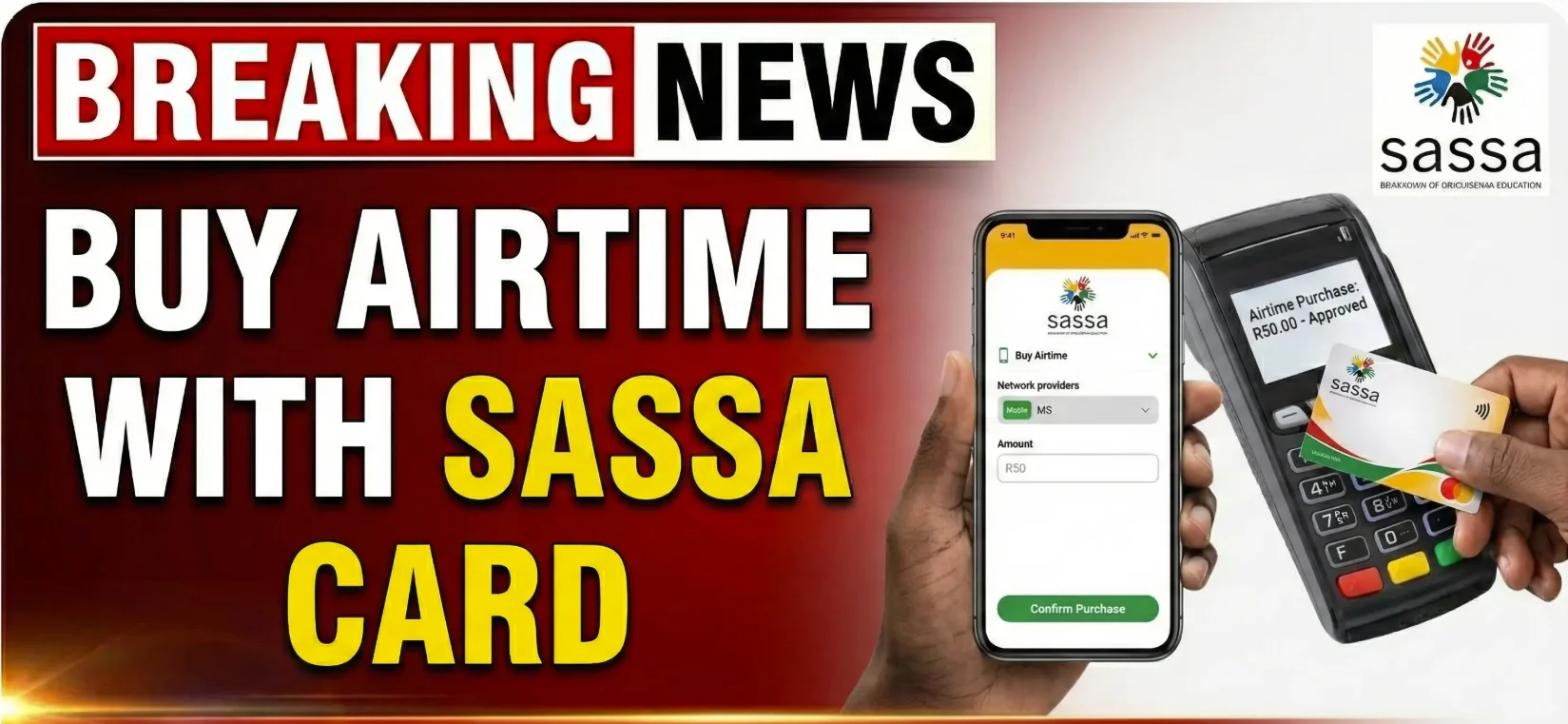
Need airtime but only have your SASSA card? Good news! You can buy airtime directly using your SASSA card. No need to withdraw cash first. No need to visit a store. You can recharge your phone from anywhere.
Many SASSA cardholders don’t know about this feature. They withdraw money at ATMs, then buy airtime separately. This wastes time and creates extra steps. Why not do it all through your banking app?
The process is simple. You link your SASSA card to a mobile banking app. Then you can buy airtime whenever you need it. You can also check your balance and manage your money. All from your phone.
Let’s learn how to buy airtime with your SASSA card in easy steps.
What You Need to Get Started
Before you begin, make sure you have these things:
Your SASSA card: You need the physical card with you. You’ll use the card number, expiry date, and CVV code.
A smartphone: The process works through mobile banking apps. A basic smartphone with internet connection is enough.
Enough balance: Your SASSA card must have money for airtime purchase. Check your balance first to avoid failed transactions.
Internet connection: You need data or Wi-Fi to download the app and complete the setup. After that, some features work offline.
Which Banking Apps Work With SASSA Cards?
Several South African banks support SASSA card linking. Choose any of these apps:
Capitec: One of the most popular options. The app is user-friendly and works well with SASSA cards.
FNB (First National Bank): Offers reliable service and quick airtime purchases.
Nedbank: Another trusted option with a simple interface.
Absa: Works smoothly with SASSA cards for various transactions.
All these apps are free to download. They’re available on Google Play Store for Android and App Store for iPhone.
Step-by-Step Guide to Buy Airtime
Follow these steps carefully. Take your time with each stage.
Step 1: Download Your Banking App
Open your phone’s app store. Search for the banking app you want to use. Popular choices include Capitec, FNB, Nedbank, or Absa.
Tap the “Install” or “Download” button. Wait for the app to finish installing. The download size is usually small, around 20-50MB.
Once installed, open the app by tapping its icon.
Step 2: Create Your Account
When you open the app for the first time, you’ll see options to sign up or log in. If you’re new, tap “Sign Up” or “Register.”
Fill in the required information:
- Your full name
- ID number
- Phone number
- Email address (if you have one)
- Create a strong password
Accept the terms and conditions. Verify your phone number through the OTP (One-Time Pin) sent to you.
If you already have an account with that bank, simply log in with your username and password.
Step 3: Link Your SASSA Card
This is the most important step. Log into your account. Look for settings or account options. You’ll find this in the menu (usually three lines or dots in the corner).
Find “Card Management” or “Link Card” option. Tap on it. Then look for “Add New Card” or “Link Account.”
Enter your SASSA card details carefully:
- Card number (16 digits on the front)
- Expiry date (month and year)
- CVV code (3 digits on the back)
Double-check every number. One wrong digit will cause errors.
After entering details, tap “Link” or “Add Card.” You’ll receive a notification asking for authorization. Tap “OK” or “Confirm.”
Your SASSA card is now connected to the app. This step only needs to be done once.
Step 4: Check Your Balance
Before buying airtime, confirm you have enough money. Tap on “Balance” or “View Balance” in the app.
You can also check your SASSA balance by dialing *120*3210# from any phone. This USSD code works even without airtime or data.
Make sure you have at least R10. This is the minimum airtime purchase amount.
Step 5: Buy Airtime
Now you’re ready to recharge. In the app, find “Buy Airtime” or “Recharge” option. This is usually on the main screen.
Tap on it. You’ll see options:
- Enter the phone number you want to recharge
- Select the amount
You can recharge any South African number. It doesn’t have to be yours.
Airtime limits:
- Minimum: R10
- Maximum: R500 per transaction
Enter the amount you need. Tap “Continue” or “Next.”
Step 6: Confirm Your Purchase
The app will show a summary of your transaction:
- Phone number being recharged
- Airtime amount
- Any fees (if applicable)
Review everything carefully. Make sure the phone number is correct.
Tap “Confirm” or “Buy Now.” You’ll receive an OTP on your registered phone number. Enter this code to complete the transaction.
Wait a few seconds. You’ll get a confirmation message. The airtime loads immediately.
How to Check If Airtime Loaded Successfully
After purchase, verify the airtime reached the correct number. Each network has its own code:
Vodacom: Dial *131#
MTN: Dial *141#
Telkom: Dial *130#
Cell C: Dial *149#
These codes show your current airtime balance. If the amount increased, your purchase succeeded.
Important Things to Remember
Security first: Never share your card details with anyone. Don’t let others use your banking app. Keep your password private.
Internet banking fees: Some banks charge small fees for mobile transactions. Check with your bank about costs.
Transaction limits: You can buy R10 to R500 airtime per transaction. For larger amounts, make multiple purchases.
Failed transactions: If your purchase fails, check your balance first. Make sure your card details are correct. Contact your bank if problems continue.
Save card details: The app saves your SASSA card for future use. You won’t need to enter details again unless you change cards.
Multiple numbers: You can recharge any phone number, not just yours. This helps if family members need airtime.
Benefits of Buying Airtime This Way
Convenience: No need to visit shops or ATMs. Buy airtime from home, work, or anywhere.
Fast: Airtime loads within seconds of confirmation. No waiting in lines.
Safe: No risk of losing cash or getting robbed at ATMs.
24/7 access: Buy airtime anytime, day or night. Even on public holidays.
Track spending: The app keeps records of all purchases. You can see where your money goes.
Emergency use: When you run out of airtime unexpectedly, recharge immediately.
Troubleshooting Common Problems
Can’t link card: Make sure you entered correct card details. Check the expiry date hasn’t passed. Contact your bank if the card is blocked.
Transaction failed: Verify you have sufficient balance. Check internet connection. Try again in a few minutes.
OTP not received: Wait up to 5 minutes. Check if your phone has network signal. Request a new OTP.
Wrong number recharged: Contact your bank immediately. Some transactions can be reversed within 24 hours.
App not working: Update to the latest version. Clear app cache. Restart your phone.
Alternative Method: USSD Codes
If you can’t download banking apps, some banks offer USSD options. This works on basic phones without internet.
Contact your bank to activate USSD banking. They’ll provide specific codes for your SASSA card.
USSD methods work but are less convenient than apps. Apps offer better features and easier navigation.
Final Thoughts
Buying airtime with your SASSA card is easy once you know the steps. Download a banking app. Link your card. Recharge whenever you need. It’s that simple.
This method saves time and keeps your money secure. No more rushing to stores before they close. No more searching for ATMs. Everything happens from your phone.
The setup takes a few minutes. After that, buying airtime takes less than a minute. You can recharge your phone or help family members with theirs.
Remember to keep your card details safe. Never share your password or OTP with anyone. Check your balance regularly to track spending.
If you face any problems, contact your bank’s customer service. They can help solve technical issues or answer questions.
Start using this convenient feature today. Link your SASSA card to a banking app. Enjoy the freedom of buying airtime anytime, anywhere.
Helpful Tips:
- Keep your banking app updated to the latest version
- Set up fingerprint or face recognition for faster login
- Save the USSD balance check code (*120*3210#) for quick reference
- Enable transaction notifications to track all purchases
Technology makes life easier. Take advantage of these tools. They’re designed to help SASSA cardholders manage money better. Give it a try and see how simple it really is!