How To Solve UIF Registered SASSA Issue?
Many people in South Africa depend on social grants when times are tough. The South African Social Security Agency (SASSA) gives out the Social Relief of Distress (SRD) grant to help people who are unemployed and have no income. This grant is very important for families who need help paying for food and bills.
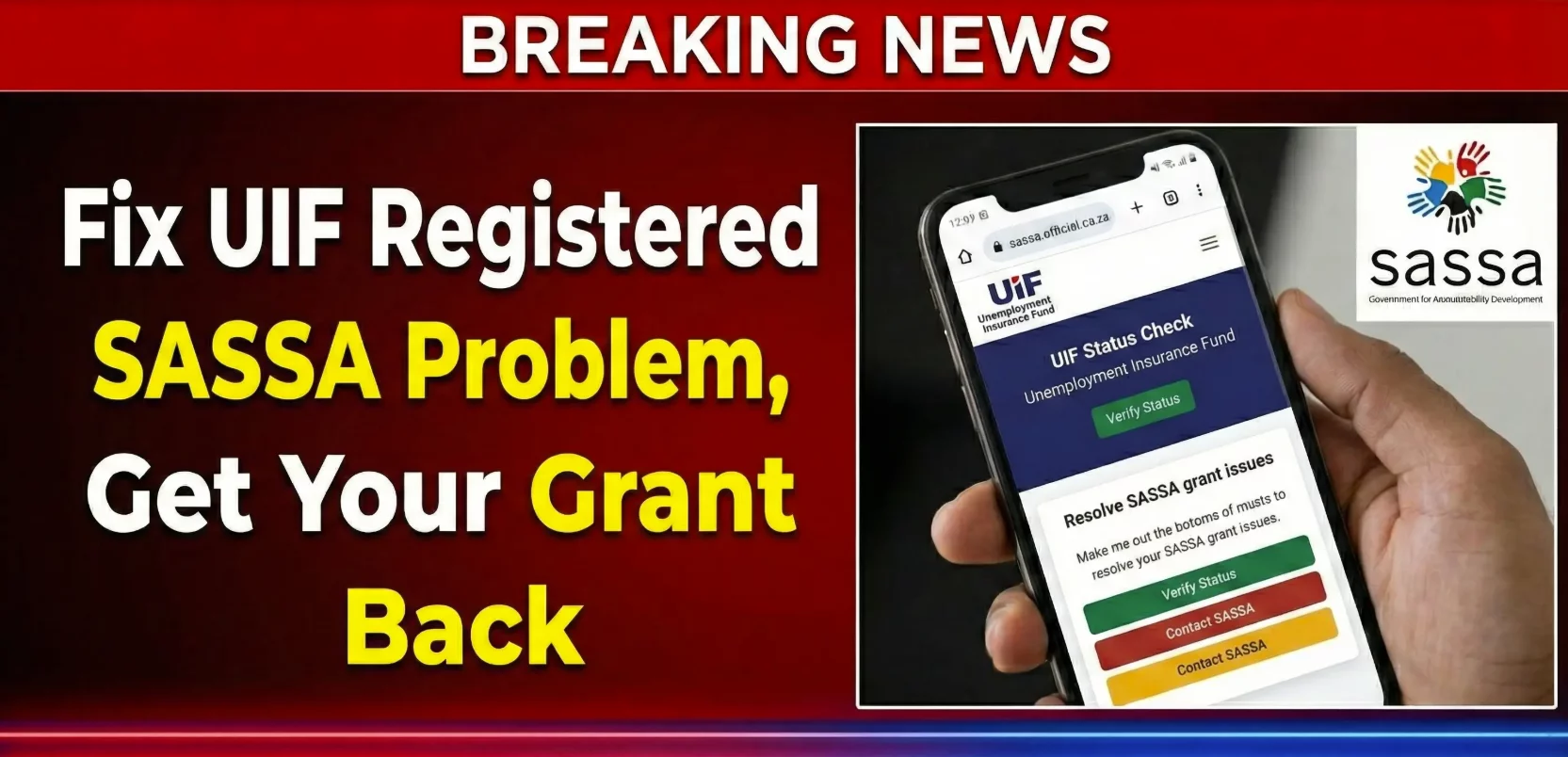
Some applicants see a confusing message when they check their grant status online. It says “UIF Registered”. This can stop you from getting the SRD grant you applied for. In this post, we will explain what it means when SASSA shows “UIF Registered,” why it happens, and how you can fix it in a clear, step by step way.
What Does “UIF Registered” Mean on SASSA?
When your SASSA status shows “UIF Registered”, it means SASSA thinks you are linked to the Unemployment Insurance Fund (UIF). UIF is another type of government support for people who lose jobs. SASSA cannot give you the SRD grant if you are already getting money from UIF or if the system thinks you are eligible for UIF benefits.
Sometimes this message is correct. But other times it happens even if you are not actually getting UIF payments. The system may have old or wrong data about you. This makes SASSA reject your SRD grant application by mistake.
Why This Happens
There are a few main reasons why SASSA shows “UIF Registered” when you check your application:
1. You Are Receiving UIF Payments
If you are already getting money from UIF, SASSA will mark you as ineligible for the SRD grant. SASSA only gives SRD to people without other income.
2. The UIF Record Is Old or Not Updated
You may have stopped receiving UIF benefits, but your information was not updated in the official system. SASSA then still sees you as registered.
3. System or Verification Errors
Sometimes SASSA and UIF systems do not match information correctly. The system can think you are registered for UIF even if you are not.
4. Employer Registered You for UIF Even If You Never Claimed Money
When you worked for a company, your employer might have registered you for UIF automatically. This can show up even if you never claimed benefits and are not getting money from UIF now.
How to Fix the “UIF Registered” Status
Here is a simple and clear guide on what to do if your SRD grant was declined due to “UIF Registered”.
1. Check Your UIF Status
First, find out if UIF truly lists you as active. You can visit the official UIF portal and check your details. If the system says you are no longer receiving or eligible for UIF benefits, this is good news. You can then proceed with your appeal.
2. Gather Proof That You Are Not Getting UIF Payments
Collect documents that show UIF is not paying you. You may include:
- Your bank statements for the last few months showing no UIF payments.
- A letter from UIF that confirms you are not receiving benefits.
- Your latest payslips or a termination letter if you stopped working.
3. Submit an Appeal to SASSA
Once you have your proof, you need to submit an appeal. You do this on the SASSA SRD appeal page. Enter your ID number and the phone number you used on your application. Then upload your documents and explain that the “UIF Registered” status is wrong.
4. Wait for SASSA to Review Your Appeal
After submitting, SASSA will review what you sent. This process can take some time, often 60 to 90 days. SASSA may contact you if they need more information.
5. Keep Checking Your SASSA Status
While you wait, check your SASSA status regularly online or on the Moya app. You may also get updates by SMS.
Important Tips
- Always use the same phone number you used in your original application.
- Submit your appeal as soon as possible after you see the rejection.
- Be patient because the appeal process takes time.
Conclusion
Seeing “UIF Registered” on your SASSA status can be stressful. But it does not always mean you are truly receiving UIF benefits. It may be a mix up in the system. If you are not getting UIF, then you have the right to appeal. Follow the steps above to fix the problem, send in your proof, and wait for SASSA to respond.
With the correct documents and a clear appeal, many people get their SRD grant approved even after seeing this message. If you stay calm and follow the steps one by one, you can get through the process and get the help you need.